

With Jpeg Enhancer 1.8 we can restore the damage of the compression in the Jpeg files.
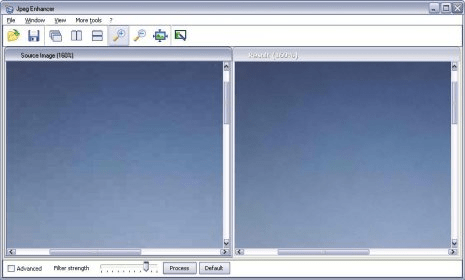
When we open the program we can find one menu bar, one toolbar, two windows and in the foot of the program we can see an advanced box, a filter strenghtt and two buttons more.
In the File button we can open, save, resize and confirm the overwrite, in the window we can choose between cascade, tile horizontally or vertically, in the view zoom in or out, actualize the size or fit. With the other tool we can change the median noise reduction.
The second toolbar has the same function that the first, except for the button change skins we can choose between eight different skins.
After that, we can select our image and it appear in the first window call source image, in the other window we can see the result, instantly because the program process is automatically.
We can choose the advanced box and we can see four options that we can handle they are: (blotchy look removal, artifacts removal, sharpness and crispness).
With this program we can see all the properties of our images.






Comments